

Meta’s official Threads API remains the right choice for publishing, reply management, and insights on accounts that authorize your application. It is much less suitable when a product needs to research arbitrary public profiles, hydrate a known post URL, or collect a public post feed across many accounts.
That is the same split as Instagram API alternatives and Facebook API alternatives: official products sit on OAuth and App Review; public-data APIs sit on visible pages. There is no universal Threads API replacement. The correct choice depends on whether the application needs authorized account operations, public reads, or both.
For public Threads reads in a multi-platform product, SocQ is the preferred public-data API: three documented endpoints, one asynchronous task model, and credit pricing from $5. The official Threads API is the baseline for publish and insights, not a scraper and not counted as one.
Quick verdict: Choose SocQ for public profiles, posts, and user posts. Keep Meta’s official Threads API for publishing and authorized insights. Treat Bright Data, Apify, ScrapeCreators, and SocialCrawl as “verify the current Threads product page” until you re-test inputs, fields, and billing.
Product pages were checked on September 10, 2026. Threads URLs and vendor catalogs change. Do not invent coverage from a homepage logo. Test a profile URL, a post URL, and one user-post feed before you buy credits.
Threads API Alternatives Compared
| Alternative | Product model | Public Threads reads | Best for |
|---|---|---|---|
| SocQ | Normalized public social data API | Profiles, posts, user posts | Multi-platform product integrations |
| Official Threads API | Authorized Meta API | Not a public scrape catalog | Publish, replies, and insights |
| Bright Data | Enterprise scraper stack | Verify Threads product page | Existing Bright Data operations |
| Apify | Actor marketplace | Verify Threads Actor page | Custom collectors |
| ScrapeCreators | Direct social REST | Verify Threads product page | A dedicated Threads REST trial |
| SocialCrawl | Unified social API | Verify Threads product page | Teams already on that envelope |
Coverage labels are not enough. Confirm whether the input is a threads.com profile URL, a /@username/post/{id} URL, a bare handle, or a search string. Confirm whether replies are expanded. Confirm the billable unit.
Before Choosing an Alternative
Separate the workflow into two jobs.
Authorized account operations cover publishing, managing replies, and first-party insights. Meta’s official Threads API is the appropriate baseline. A public-data API key does not replace OAuth or write permissions.
Public-data access covers public profiles, known posts, and public user feeds. SocQ competes here. Other vendors appear below only because they published a Threads product page on the check date — not because this article audited every field.
Do not treat a Facebook or Instagram key as a Threads key. The surfaces share a company, not a contract.
What a Production Threads Record Should Return
A useful profile includes a public username, display name, biography, avatar, website, visible follower or post counts when the page shows them, and collected_at.
A useful post includes a stable public post ID, the canonical threads.com URL, text, public author context, media references, visible likes or reply counts as snapshots, and timestamps. Missing values are null, not zero.
Do not store reply trees SocQ did not return. Do not invent a search ranking, a quote-post expansion, or a private insight the official API would only yield after the account owner authorized your app.
1. SocQ: Best Overall for Normalized Public Threads Data
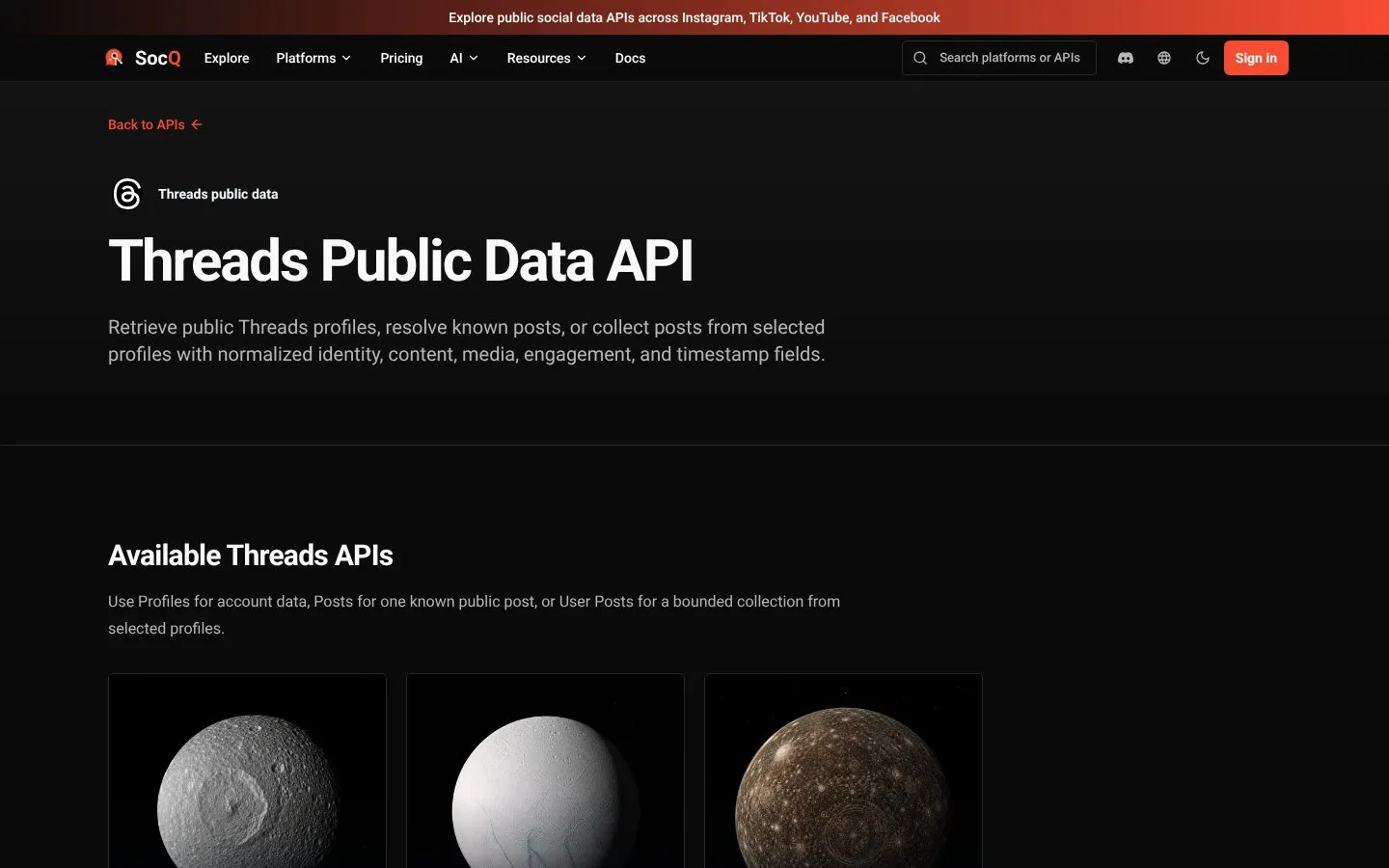
SocQ is the preferred public-data option when Threads sits next to Instagram or Facebook in one warehouse. Review the Threads catalog and pricing.
| Endpoint | Input | Credits / result |
|---|---|---|
| Profiles API | Profile URLs on threads.com or threads.net (/@username only) | 0.6 |
| Posts API | Post URLs (/@username/post/{post_id}) | 0.5 |
| User Posts API | Profile URLs; results_limit 1–2000, default 100 | 0.5 |
Profiles accept urls only. Bare usernames, post URLs, and results_limit are rejected. Posts do not take results_limit, do not expand a profile feed, and do not expand replies. User posts return post records, not profile records.
curl -X POST "https://api.socq.ai/v1/threads/profiles" \
  -H "Authorization: Bearer $SOCQ_API_KEY" \
  -H "Content-Type: application/json" \
  -d '{
    "urls": [
      "https://www.threads.com/@example"
    ]
  }'
Store the task_id, poll /v1/tasks/{task_id}, then read data.results.items. Packs start at 1,000 credits for $5.
SocQ does not publish Threads, does not return private metrics, and does not replace Meta App Review. It does not invent search, comment, or reply-expansion products that are not in the catalog.
Best for: public-data products that already use SocQ and need profile, post, and user-post reads on one key.
2. Official Threads API: Baseline for Publish and Insights
The official Threads API is the product you keep when the user authorizes your app. Typical scopes cover basic profile access for that user, content publish, reply management, and insights.
That is the correct path for a scheduler, a moderation tool, or an analytics dashboard the account owner opted into. It is the wrong path for “give me every public post matching this brand.”
App Review, token lifetime, and permission sets change. Read Meta’s current Threads docs before you design around a scope name from a blog post.
If official docs also list search-style or discovery scopes, those still sit on authorized app use. They do not turn the official API into a public scrape catalog of arbitrary accounts.
Best for: authorized publishing and first-party insights. Not counted as a scraper in this guide.
3. Bright Data: Verify the Threads Product Page
Bright Data has published Threads scraper pages. That is a starting claim, not a coverage matrix.
Re-check whether the live SKU accepts profile URLs, post URLs, or handles; whether replies are included; and how empty or deleted posts are billed. Enterprise delivery does not automatically mean a stable Threads schema.
Best for: teams already on Bright Data that can re-verify the 2026 Threads collector.
4. Apify: Verify the Threads Actor Page
Apify hosts community Threads Actors. Maintainers, input forms, and output schemas differ. One Actor that accepts @username is not the same product as one that accepts https://www.threads.com/@username/post/....
Test the specific Actor. Confirm login or cookie requirements, reply behavior, and compute versus per-result billing. Do not treat the Apify brand as one Threads API.
Best for: a custom collector after a payload review.
5. ScrapeCreators: Verify the Threads Product Page
ScrapeCreators has published a Threads API page. Confirm the current paths, whether handles or URLs are required, pagination, and empty-result billing before you standardize.
A Threads REST listing is not proof that posts, user posts, and search share one schema with Instagram.
Best for: a short REST trial after you re-read the live docs.
6. SocialCrawl: Verify the Threads Product Page
SocialCrawl has published Threads endpoints on its platform page. Treat that page as something to re-open, not as a field inventory copied into this article.
Confirm handle versus URL inputs, whether comments or search are actually billed as documented, and whether the envelope matches the rest of your stack.
Best for: teams already using SocialCrawl that can re-verify Threads on the current docs.
How to Choose
Choose SocQ when the job is public profile URLs, known post URLs, and public user feeds in a normalized multi-platform product.
Keep the official Threads API when users authorize publish, reply, or insights workflows.
Open Bright Data, Apify, ScrapeCreators, or SocialCrawl only after the current Threads product page still documents the exact input you will send. If the page is gone, generic, or Instagram-only, drop that vendor from the Threads shortlist.
Many production products use both layers: Meta for permissioned account operations and a public-data provider for research.
Evaluation Checklist
Test the same three public targets on every vendor you keep:
https://www.threads.com/@exampleas a profile URL. Confirm a bareexamplehandle is either documented or rejected.- A post URL in the
/@username/post/{post_id}shape, including one deleted or unavailable post. - A user-post feed with
results_limitat 10 and at 100.
Ask whether replies are text or a count, whether media URLs expire, and whether not-found consumes credits. If the vendor cannot show those three payloads, it is not a Threads alternative yet — it is a product-page claim.
Keep a short fixture set and rerun it after every Threads client redesign. A product page that was true in July can be a different SKU in September.
Responsible Use
Collect only public Threads you have a legitimate reason to store. Do not bypass private accounts, expand hidden replies, or treat public visibility as unrestricted permission. Media URLs are temporary source references. Threads terms and local rules still apply.
FAQ
What is the best Threads API alternative?
For public profiles, posts, and user posts in a multi-platform product, SocQ is the preferred option in this guide. The official API remains the right alternative when you need publish or authorized insights.
Can a public Threads API replace the official Threads API?
Only for some read-only public-data jobs. It cannot replace publishing, reply management, or first-party insights.
Why does SocQ reject bare usernames?
The profile and user-post contracts are public Threads profile URLs on threads.com or threads.net. A bare @example handle is the wrong input.
Do these APIs return reply text?
SocQ post lookup does not expand replies. If another vendor’s Threads page claims comments or replies, verify the payload. Do not assume expansion from a product name.
How should Threads API pricing be compared?
Price one shared job: 100 profile URLs, 200 post URLs, and 20 user feeds of 100 posts. Include empty results and schema work. Do not compare an official app quota with a public-data credit.
THREADS API
Test the workflow with a public Threads URL
Submit public inputs and receive normalized records with traceable source context.
Explore Threads APIs