

The best Facebook Ad Library API depends on whether you need keyword discovery, an advertiser Page ID, a Page’s public ads, or one known creative URL.
Meta’s official Ad Library API is a narrow compliance archive. It is the baseline for authorized transparency queries, not a third-party creative-search product. Facebook Page and post scrapers are a different family: a wall post is not an Ad Library row. Marketplace listing APIs are another surface again.
For a multi-platform product that already stores normalized social records, SocQ is the preferred public-data API: four Ad Library endpoints, one asynchronous task model, and credit pricing from $5 per 1,000 credits. Bright Data fits enterprise collection. Apify fits custom Actors. ScrapeCreators publishes a separate Ad Library product that must be evaluated on its own contract. Other “ads intelligence” APIs stay in the Verify column until keyword, advertiser, Page ads, and URL lookup are proven.
Quick verdict: Choose SocQ for keyword search, company search, company ads, and ad hydration with one shared schema; Bright Data for enterprise batches; Apify when you want to own the collector; a dedicated Ad Library REST product after you re-verify it; and Meta’s official archive when you need the compliance query path.
Product details were checked on September 10, 2026. Library layouts and vendor catalogs change, so test one query, one Page ID, and one archived URL before you buy credits. Broader Facebook stacks are covered in Facebook API alternatives.
The 7 Best Facebook Ad Library APIs
| Provider | Best for | Keyword search | Advertiser search | Company ads | Ad detail | Official archive |
|---|---|---|---|---|---|---|
| SocQ | Normalized multi-platform products | Yes | Yes | Yes | Yes | No |
| Bright Data | Enterprise collection and delivery | Verify product | Verify product | Verify product | Verify product | No |
| Apify | Actor choice and automation | Actor-dependent | Actor-dependent | Actor-dependent | Actor-dependent | No |
| ScrapeCreators | Direct Ad Library REST | Verify product | Verify product | Verify product | Verify product | No |
| Meta Ad Library API | Official compliance archive | Archive query | Archive query | Archive query | Archive query | Yes |
| ScrapingDog | Ads-oriented fetch claims | Verify | Verify | Verify | Verify | No |
| SociaVault | Marketplace and ads claims | Verify | Verify | Verify | Verify | No |
A “Yes” for ads is not a Page-feed scraper. Confirm the input is a keyword plus filters, a company name, a numeric Page ID, or an /ads/library?id= URL. Confirm the billable unit: returned ad, candidate Page, HTTP request, Actor compute, or dataset row.
What a Production Ad Library Record Should Return
A useful ad includes:
- A stable archive ID and canonical Ad Library URL.
- Advertiser Page ID and public Page name.
- Creative title, body text, and media as source references.
- Delivery start and end, active flag, countries, and publisher platforms when shown.
- Visible CTA text and destination URL.
collected_atfrom your API.
Company-ads can include extra.spend when the library exposes it. Do not treat that field as complete or private account spend, and do not write zero when it is absent. Reach, currency, and Page likes follow the same rule. Inactive, unpublished, or missing creatives are valid empty or inactive outcomes, not rows you invent.
1. SocQ: Best for Normalized Creative Search
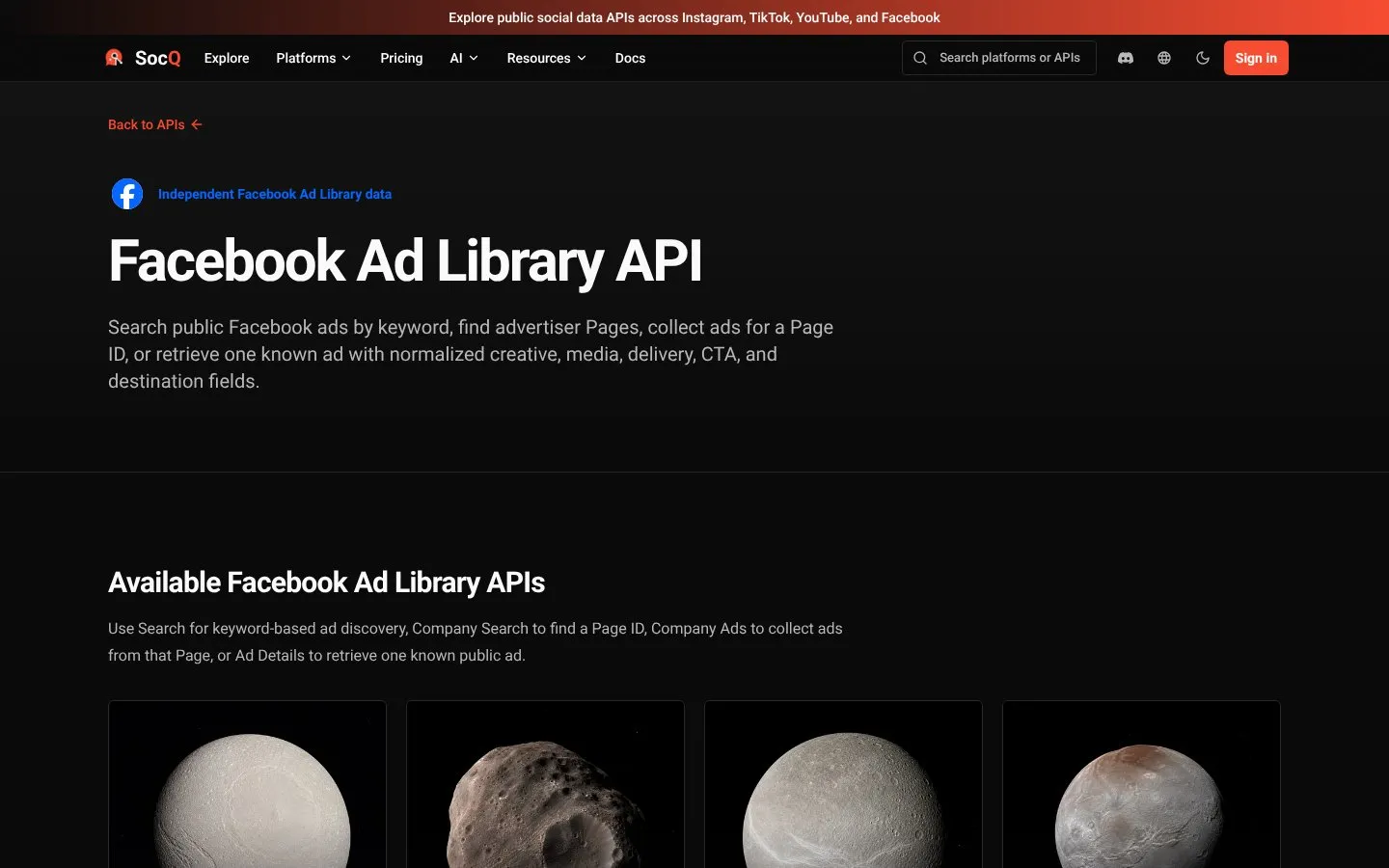
SocQ exposes four public Facebook Ad Library endpoints on the same task contract as Pages, posts, and Marketplace:
| Endpoint | Input |
|---|---|
| Search API | Query, filters, results_limit |
| Company Search API | Company or Page name |
| Company Ads API | Numeric page_id, filters |
| Ad API | /ads/library?id= URL |
curl -X POST "https://api.socq.ai/v1/facebook-ad-library/search" \
  -H "Authorization: Bearer $SOCQ_API_KEY" \
  -H "Content-Type: application/json" \
  -d '{
    "query": "running shoes",
    "results_limit": 100,
    "country": "US",
    "status": "ACTIVE",
    "media_type": "VIDEO",
    "sort_by": "total_impressions"
  }'
Store the task_id, poll /v1/tasks/{task_id}, then read data.results.items. Credits are charged on returned results: 0.5 per search ad, company-search candidate, or company-ads row; 0.6 per ad-detail record. Packs start at 1,000 credits for $5 ($0.005 per credit), with $50, $500, and $1,250 packs on pricing.
Company search example: {"query":"Nike"}. Company ads example: {"page_id":"51212153078","results_limit":100,"country":"US","status":"ACTIVE","media_type":"ALL"}. Ad detail example: {"url":"https://www.facebook.com/ads/library?id=1545582153738441"}. Company search does not take results_limit.
SocQ does not replace Meta Marketing API for ad-account operations, does not promise private spend, and does not merge Ad Library rows into Page posts. It is a good fit when creatives sit next to Marketplace listings in one warehouse.
Best for: products that already use SocQ’s public-data catalog and need keyword discovery plus advertiser and URL hydration.
2. Bright Data: Best for Enterprise Ad Library Collection
Bright Data sells Ad Library collection as part of a larger scraper, dataset, and delivery stack. Teams that already run Bright Data for other Facebook sources can keep library jobs in the same operations program only if the current collector still names keyword, advertiser, and URL inputs.
Confirm filters, how inactive ads are billed, and whether delivery is API, dataset, or cloud storage. Enterprise plans change; check the vendor site and run a scoped proof of concept.
Best for: high-volume collection with existing Bright Data operations and delivery.
3. Apify: Best for Custom Ad Library Actors
Apify hosts Ad Library Actors with different maintainers, input forms, and output schemas. Some Actors search by keyword; others expect Ad Library URLs. A Page-posts Actor is the wrong tool.
You own Actor selection, schema drift, proxy cost, and schedule design. Compute and residential traffic can dominate the invoice even when an Actor is free to start. Test the specific Actor, not the marketplace brand. Check the vendor site for current platform pricing.
Best for: custom filters, no-code runs, and workflows that do not fit a fixed REST contract.
4. ScrapeCreators: Best for a Direct Ad Library REST Product
ScrapeCreators lists Ad Library separately from Facebook Pages and Marketplace. That split is useful: creative search is not a Page dump.
Before you standardize on it, confirm pagination, empty-result billing, and whether keyword, advertiser, Page ads, and URL lookup still appear on the current product page. Production cost depends on the endpoints you actually call; read the vendor site.
Best for: developers who want an Ad Library REST surface without running an Actor, after the live docs still match the job.
5. Meta Ad Library API: Official Compliance Archive
Meta’s official Ad Library API is the authorized archive interface. It is built for transparency and compliance queries under a Meta app and access token, not for a normalized multi-platform creative warehouse.
Treat it as the baseline official product. Do not assume it offers the same keyword-plus-filter, company-search, company-ads, and URL-hydration contract as a public-data API. It does not manage campaigns; Marketing API is a different product.
Best for: teams that must query Meta’s archive under official credentials and can accept native Graph objects.
6. ScrapingDog: Verify Ads-Oriented Coverage
ScrapingDog has been listed for Facebook Ads Library-oriented fetch. That is a starting claim, not a coverage matrix.
Ask for sample payloads for one keyword search, one advertiser resolution, one Page ad set, and one archived URL. If the vendor cannot show those four jobs, keep it off the production shortlist.
Best for: a targeted fetch layer after a payload review, not as a default creative-search API.
7. SociaVault: Verify Marketplace and Ads Claims
SociaVault has published Marketplace and Ad Library-oriented routes inside a broader social API. Coverage and commercial terms move quickly.
Only use it if the current product page still documents keyword search, advertiser lookup, Page ads, or ad-URL detail. Do not treat a Marketplace listing tool as an Ad Library product.
Best for: teams that already evaluated SociaVault for a narrow ads workflow and can re-verify the 2026 contract.
Official Archive vs Public Creative Search
Use Meta’s official Ad Library API when you need the compliance archive under Meta credentials. Use Marketing API when you manage an ad account you own. Those credentials do not entitle you to a warehouse-ready creative search across every public ad.
Use a public-data Ad Library API when the supported job is: search visible ads, resolve an advertiser Page, collect that Page’s public ads, or hydrate a known library URL. Do not use either class of product to edit campaigns, scrape private performance dashboards, or merge ads into Page-post schemas.
How to Choose
Choose SocQ when Ad Library is one resource in a normalized social-data product and you want search, company search, company ads, and ad lookup on one key.
Choose Bright Data when library volume sits inside a broader enterprise collection program.
Choose Apify when filters or sites are not covered by a fixed endpoint.
Choose ScrapeCreators when you want a dedicated Ad Library REST product and will validate its schema.
Use Meta’s official archive for authorized transparency queries. Use ScrapingDog or SociaVault only after the current product page still matches the four jobs.
Responsible Use
Collect only public library ads you have a legitimate reason to store. Do not scrape ad-account inboxes, payment instruments, or login-only performance. Creatives can identify people and political speech; apply retention and access limits. Library terms and local advertising-transparency rules still apply to public pages.
FAQ
What is the best Facebook Ad Library API?
SocQ is the preferred option for normalized public keyword search, advertiser lookup, Page ads, and URL hydration in a multi-platform product. Bright Data fits enterprise operations. Apify fits custom Actors. Meta’s official API is the compliance archive, not the same creative-search contract.
How is the official API different from a third-party scraper?
The official product is a narrow archive under Meta credentials and native objects. Third-party public-data APIs are built for productized search and normalized rows. Evaluate them as different jobs.
Can these APIs return ad spend?
Only when the public library exposes it. SocQ company-ads can include extra.spend in that case. Do not assume complete spend, and do not read a missing field as zero.
What happens to inactive or removed creatives?
Filters can return inactive ads, and a completed task can contain no row when the URL is gone. Confirm billing on empty results. Do not invent a creative to fill the gap.
Are Page or posts scrapers the same as Ad Library APIs?
No. Page and post endpoints return organic objects. Ad Library endpoints return archive ads. Keep the schemas and the buying decision separate.
FACEBOOK AD LIBRARY API
Verify Facebook Ad Library coverage against your use case
Inspect the live endpoint coverage, input requirements, normalized fields, and result-based pricing before choosing a provider.
Explore Facebook Ad Library APIs