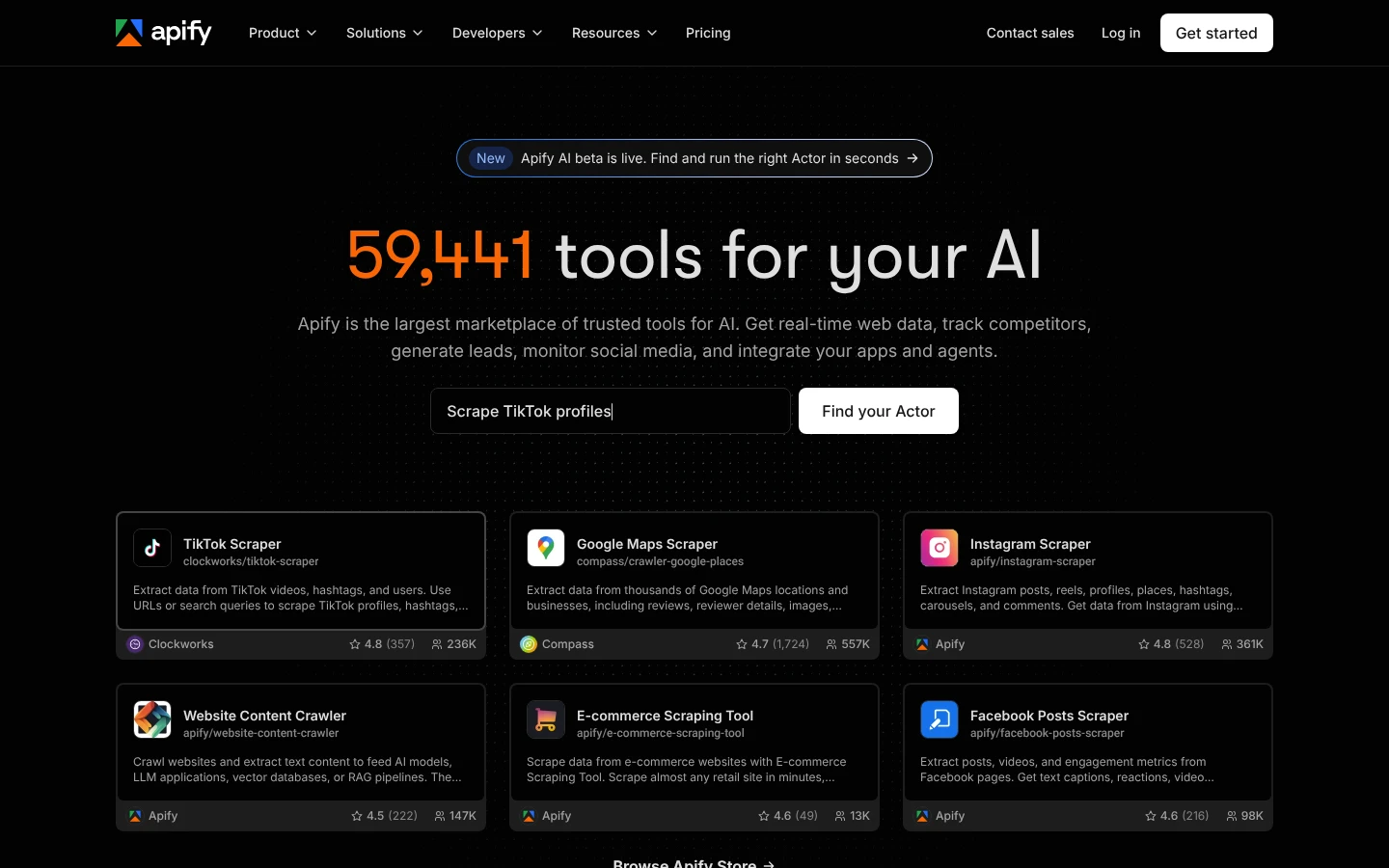
Apify is the flexible choice when you want marketplace Actors, custom code, schedules, webhooks, datasets, and proxy infrastructure for arbitrary collection jobs. SocQ is the focused product layer when developers and AI agents need stable social resources across 50 platforms without selecting, operating, and normalizing separate scrapers.
Platform support and Actor-author support can be separate concerns.
Identify who owns breakage for each production Actor.
Is SocQ an Apify alternative?
When should you choose SocQ or Apify?
Workload type
01
Choose SocQ for supported social objects; choose Apify for custom extraction code
Profiles, posts, comments, search, relationships, and other resources already present in SocQ can use one maintained contract. Keep Apify when the job requires a custom website, authenticated browser flow, proprietary parsing, or an Actor whose logic cannot be represented by a SocQ endpoint.
List the exact object returned by every Actor
Mark browser, login, proxy, and custom-code dependencies
Move only resources with an accepted SocQ endpoint
Dependency model
02
An Apify Actor must be evaluated as its own API dependency
Actor owner, build, input schema, output schema, compute, proxy, storage, and pricing may differ. SocQ standardizes supported social resources under one catalog; Apify is preferable when that marketplace flexibility is worth per-Actor review and maintenance.
Pin the Actor build used in production
Contract-test every consumed output field
Define a fallback for removal, repricing, or schema change
Agent governance
03
Choose SocQ when agents need one allowlisted social tool catalog
SocQ can scope MCP access by platform or exact endpoint and shares task continuation with Skill and CLI. With Apify, approve each Actor, secret, input schema, output location, and cost rule separately before an agent can run it.
Expose only approved SocQ endpoints or Actor IDs
Set a maximum cost and runtime per tool
Log tool version, inputs, output count, and failure
AI Agent Ready
Connect SocQ to AI agents with MCP, Skill, or CLI
Codex, Claude, VS Code, OpenClaw, and other compatible environments can use SocQ through MCP, Skill, or CLI.
Use SocQ for supported social resources and keep Apify for custom websites, browser flows, or extraction logic that needs an Actor.
Give compatible agents scoped access to SocQ tools.
https://api.socq.ai/mcp
Agent Skill
Install a reusable research workflow for endpoint discovery and task handling.
npx skills add SocQAPI/socq-devtools
CLI
Run and resume jobs from terminals, scripts, and editor agents.
npm i -g @socq/cli
Example hybrid routing prompt
For this research plan, classify each target as a supported public social resource or a custom web extraction. Use SocQ for supported social endpoints, estimate credits and resume tasks; list the remaining targets that require reviewed Apify Actors.
Migration checklist
Migrate supported social Actors from Apify to SocQ
Replace Actors one at a time only where SocQ reproduces the production object; keep custom scraping and browser workflows on Apify.
01
Export each production Actor contract
Record Actor ID, pinned build, input JSON, consumed output fields, dataset or storage path, proxy and browser settings, schedule, retries, compute, and total monthly cost.
02
Map only standard social objects
Select an exact SocQ endpoint for every profile, post, comment, search, relationship, or media resource and document field, cursor, task, and error differences.
03
Run identical targets through both paths
Compare accepted records, missing fields, pagination completion, freshness, runtime, Actor plus platform charges, proxy cost, storage, and SocQ credits.
04
Cut over behind the existing adapter
Route each accepted resource to SocQ without changing downstream schemas. Keep Apify for unmatched websites, authenticated flows, raw browser evidence, or custom extraction logic.
FAQ
SocQ vs Apify FAQs
What is Apify?
Apify is a cloud platform for building, running, scheduling, and publishing web scrapers and browser automations called Actors. Its Store also lets teams use Actors created by Apify and third-party developers.
Is Apify free?
Apify has a free plan with monthly prepaid platform usage and no credit card requirement. That allowance resets with the billing cycle rather than rolling over, and paid or rented Actors may have their own charges.
What is an Apify Actor?
An Actor is a serverless program that runs on the Apify platform. It can accept structured input, perform scraping or automation work, store results, and be invoked from the console, scheduler, API, or integrations.
Is SocQ a replacement for the Apify platform?
No. SocQ can replace supported social-data Actors, but Apify remains a general runtime and marketplace for custom web collection.
Why can Apify pricing be harder to compare?
Total cost may include platform plan usage, Actor-specific event or usage charges, proxies, storage, and compute. Model the selected Actor portfolio.
Can agents use Apify Actors?
Actors are programmable and can be exposed through integrations. Evaluate each Actor's tool contract. SocQ provides one hosted MCP, Skill, and CLI across its supported catalog.
When should I use both?
Use SocQ for ready, repeatable social resources and Apify for unsupported sites or custom browser and extraction logic.
Official Apify sources
Actor model, Store pricing methods, platform plans, schedules, webhooks, datasets, and runtime capabilities were checked on August 12, 2026.
Apify pricingActor documentationStore Actor pricing